Claude or Slack
The content team asks
An MCP tool that replaces a CMS with an MCP server and a GitHub repo.
Overview
The experiment
AI can build an agency a website in an afternoon. The trouble starts at hand-off: the content, SEO and PPC team needs to change the words, and the usual answers are bolting on a CMS, with its seats, lock-in and set-up work, or sending every change back to a developer.
My argument in the video is that a CMS was never really about the database. Its job is a restricted editing interface: the content team can change the words without breaking the design. An MCP server can be that interface, with no per-seat pricing, inside the AI app the team already uses.
So the work splits into two tiers. The developer builds the site with Claude Code and owns the whole repo: design, layout and code. The content team gets a Claude connector that can edit only the content files.
The content team asks
Checks every edit in code
A stable preview URL
Merges staging into main
Rebuilt in about a minute
How it works
There’s no database and no admin panel. The content lives as Markdown in the site’s GitHub repo, and the MCP runs as a Cloudflare Worker.
GitHub is the user system. Editors sign in to the connector with GitHub, and only people with write access to the repo can edit. Every commit carries the editor’s name, so git log is the audit trail.
Preview, then publish. Edits pile up on a staging branch with its own preview URL. When the editor says “looks good, publish it”, the publish tool merges staging into main and the live site rebuilds. The content team never opens GitHub.
The guardrails are code, not a prompt. The MCP checks every write against a content contract the developer controls: existing fields only, no HTML. Ask it to make the headline bigger and red and it refuses, because there’s no field for colour. The refusal comes from the validator, not the model, so it’s the same every time. And if bad content breaks a build anyway, production keeps the last good version.
What I learned
The MCP was the easy part. The work was in the contract between developer and content team. Early on the site packed two values into one line, like “Title: description”. If an editor dropped the colon, the build failed silently and nobody told them. The fix was a rule: anything the content team can type has to be a field the code understands. That rule, plus alt text checks and plain-English error messages, more than doubled the size of the validator I’d planned.
It has honest limits, and the video ends on them: no image uploads, no new pages or landing pages, one MCP per site, a broad GitHub permission scope, and it’s for brochure sites, not apps.
The MCP is a free template. Click “Use this template”, deploy it to Cloudflare’s free tier and connect it to Claude. The steps are on GitHub (opens in a new tab).
Next project
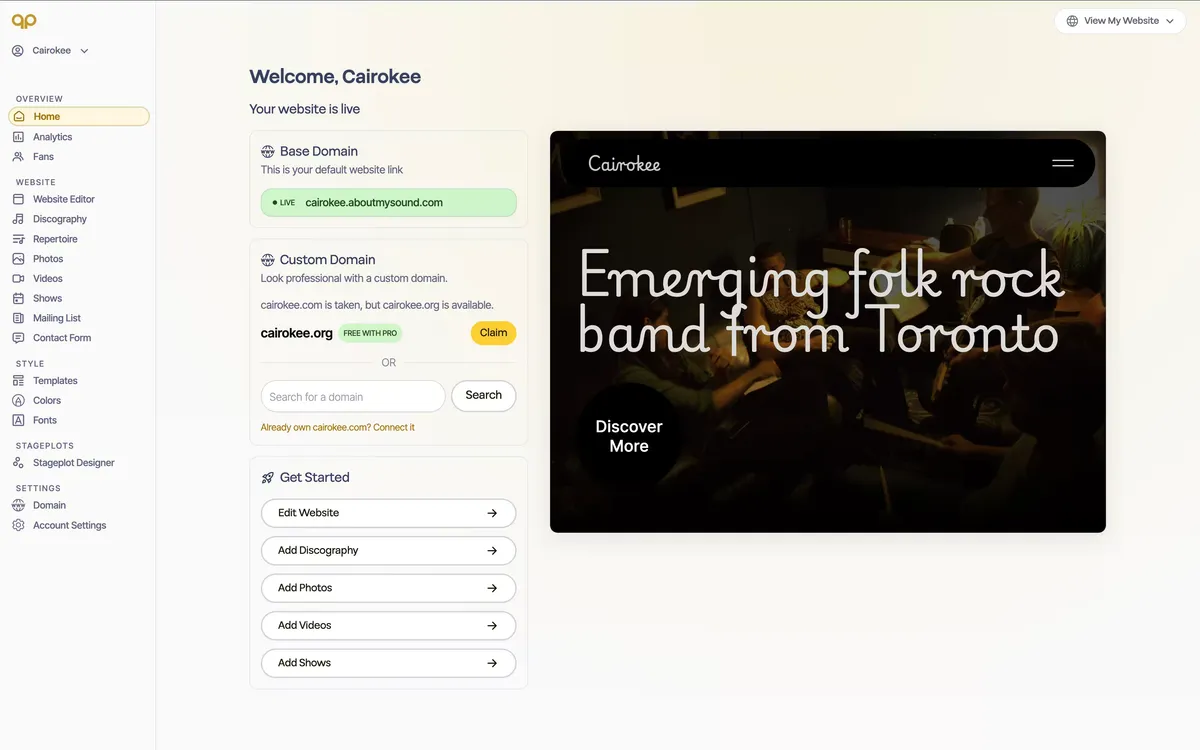
A website builder for musicians. Artists draft their site by talking to Claude or ChatGPT through the About My Sound MCP.